All apps
StitchFlow
Screenshot stitching
Turn screenshots into one long image. No watermark, no ads, works offline.
Screenshots
Inside StitchFlow
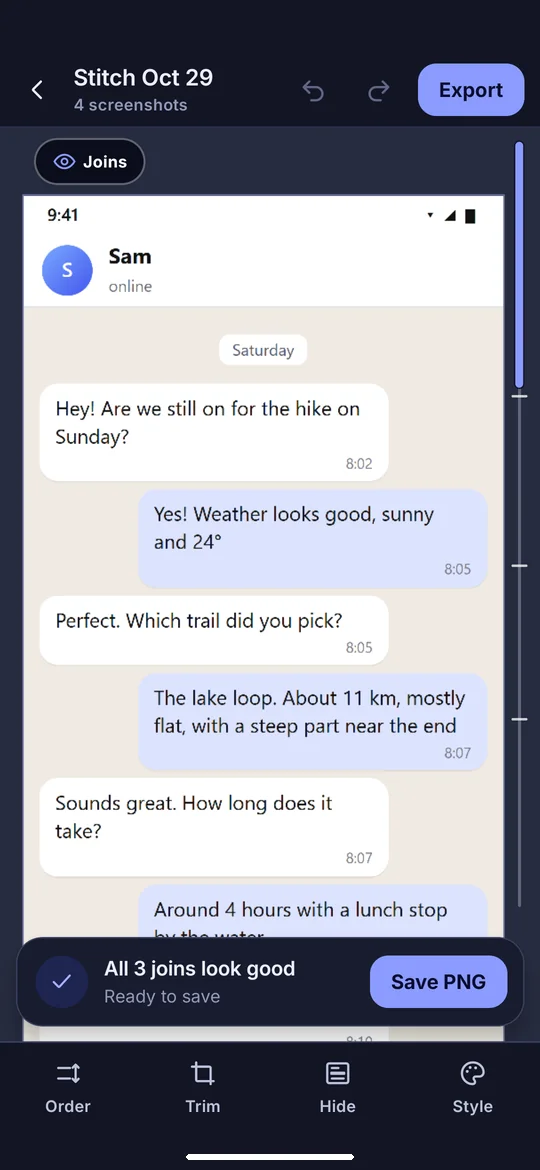
Screenshots joined into one image
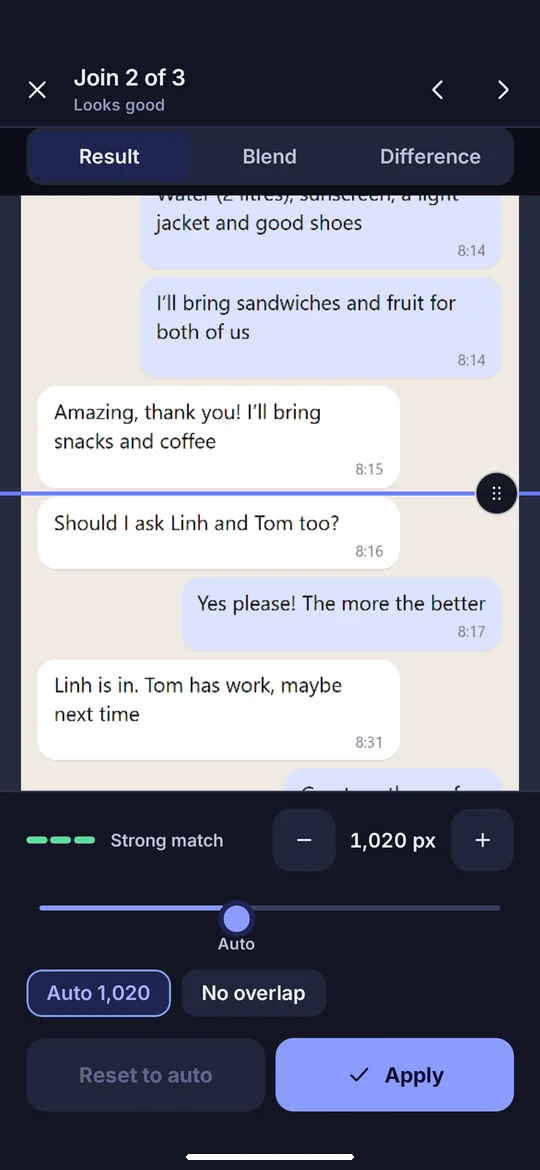
Fine-tune every join
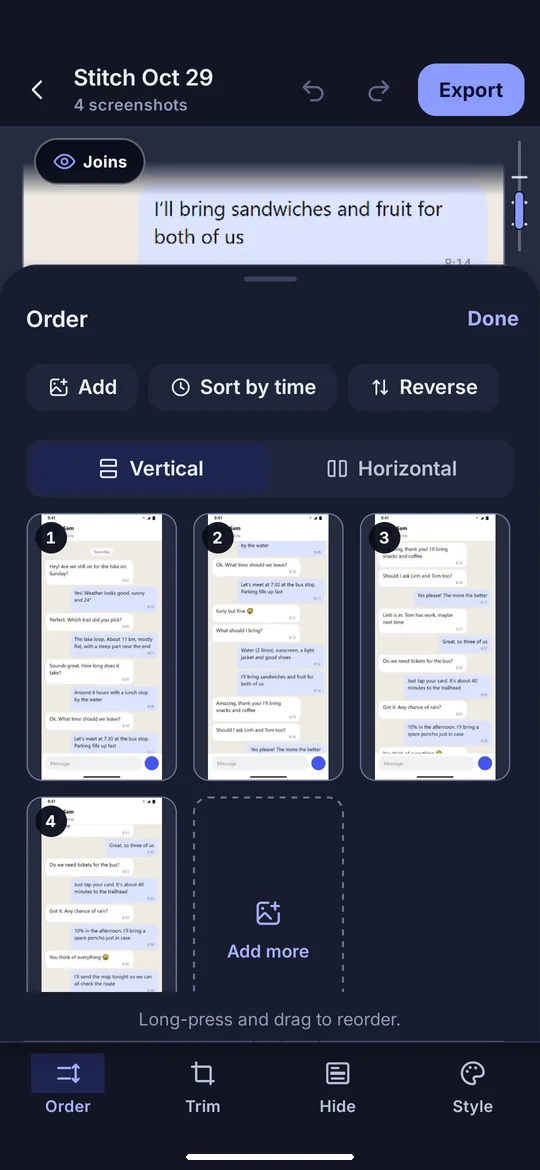
Reorder or sort by time
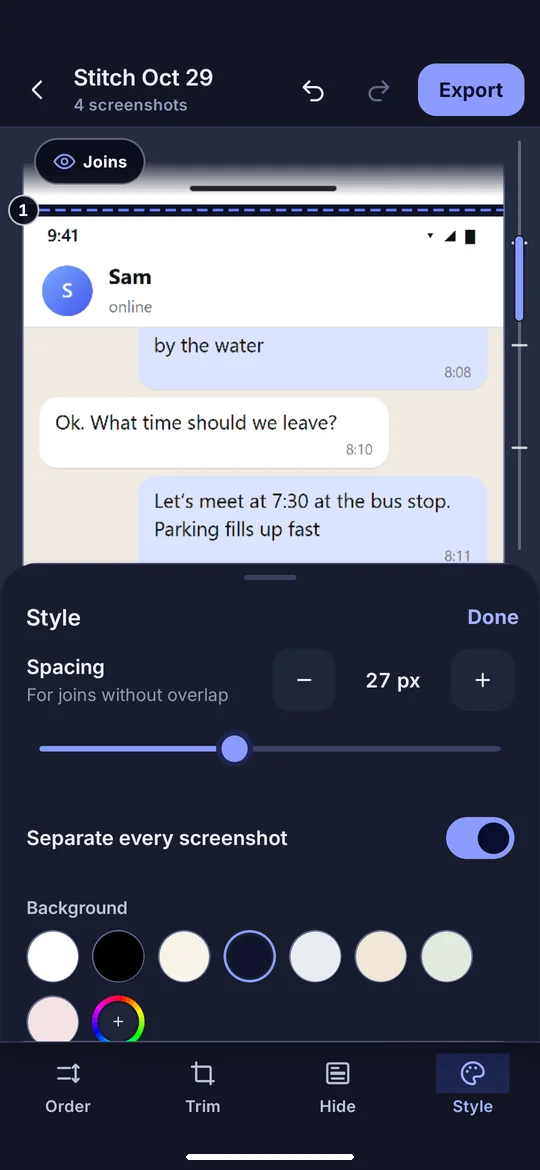
Separate shots, pick a background
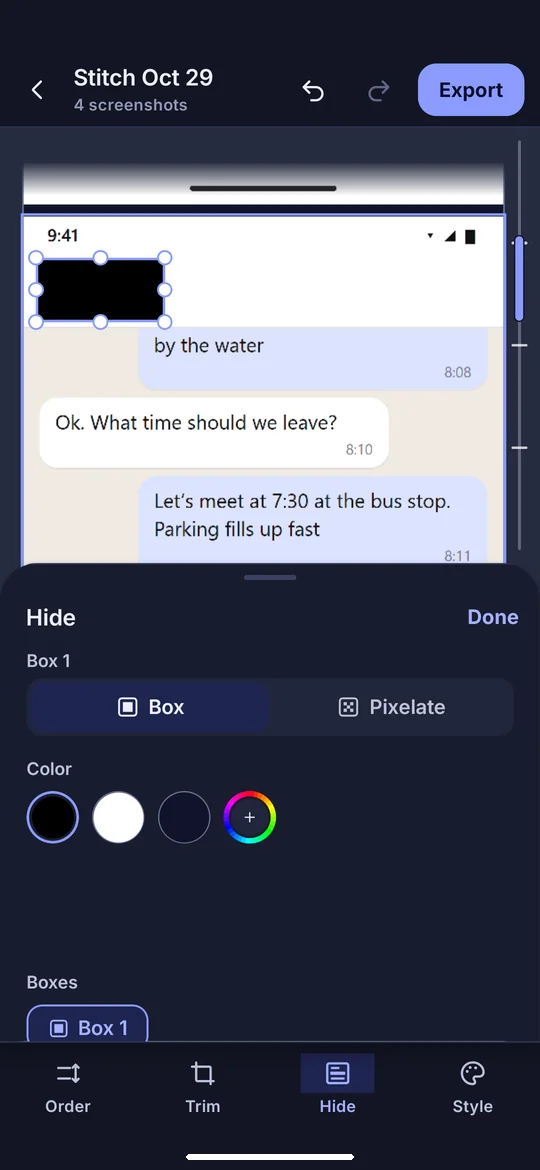
Hide names before sharing
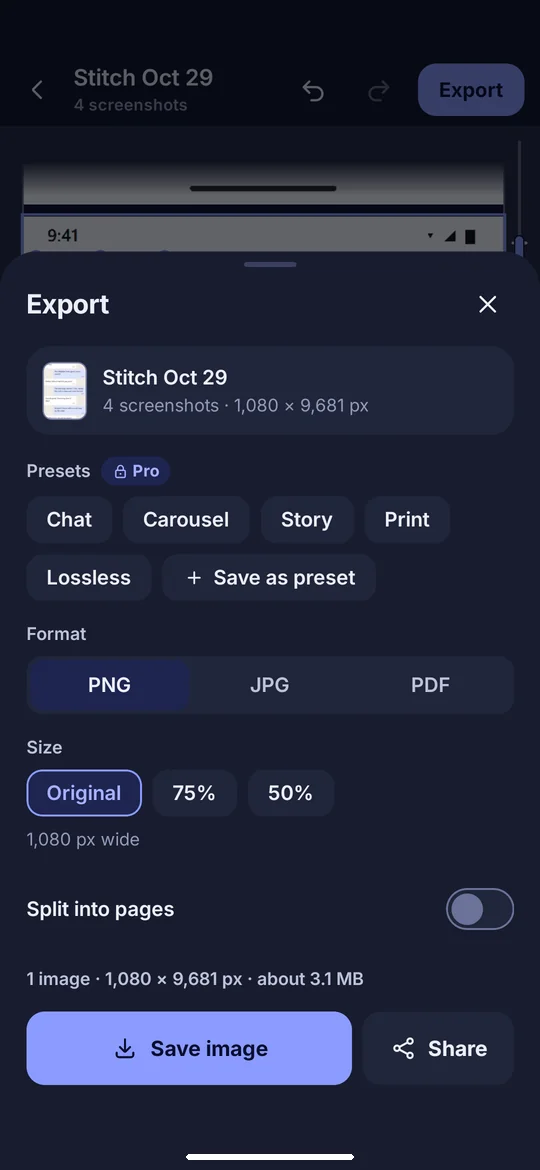
Save as PNG, JPG or PDF
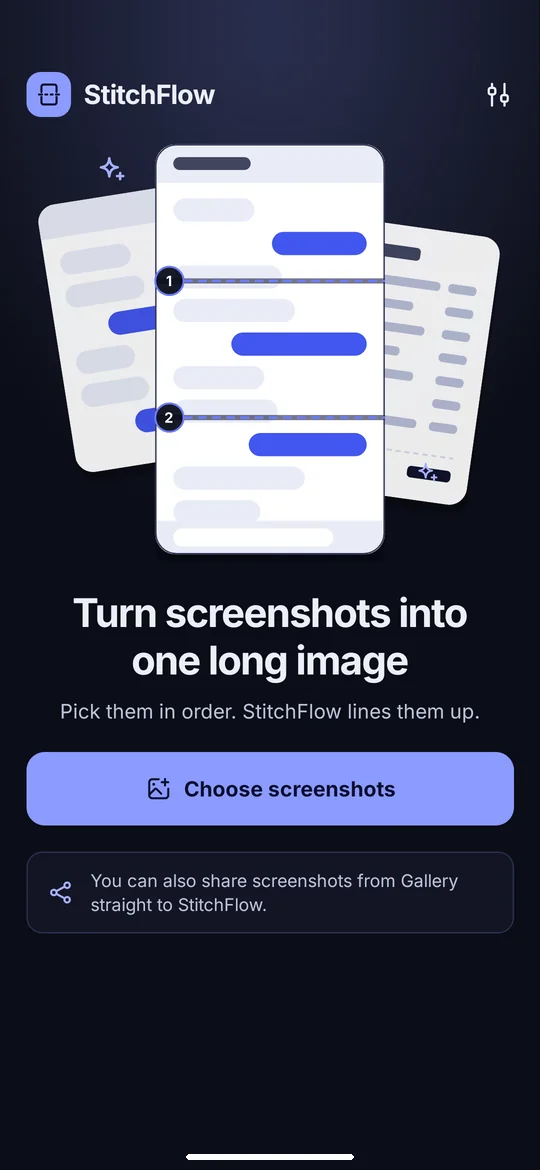
Pick screenshots in order
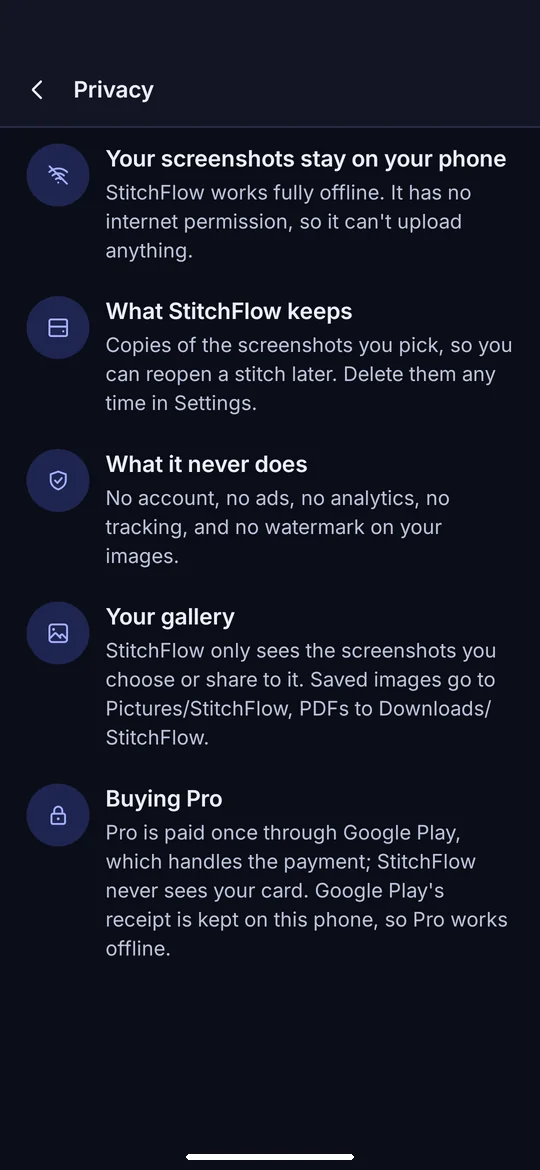
Your screenshots stay on your phone
About
Pick your screenshots in order. StitchFlow lines them up and trims the repeated bars. You can also share screenshots from Gallery straight to StitchFlow.
Check every join
- Compare two screenshots where they join in Result, Blend or Difference view
- Drag to align: doubled edges mean a mismatch
- Screenshots that don’t overlap are joined end to end
Order, trim and style
- Reorder, reverse or sort by time; StitchFlow tells you when screenshots look out of order
- Stitch vertically or horizontally
- Remove repeated bars: the header stays on the first screenshot and the footer on the last
- Trim the status bar or the navigation bar
- Add spacing and a background colour, or separate every screenshot
Hide private details
- Cover names and numbers with a box, or pixelate
- Your originals are never changed
Export
- PNG at original quality, a smaller JPG, or a PDF
- Original, 75% or 50% size
- Split into pages, with breaks between lines, not through them
- Saved to Pictures/StitchFlow, with no watermark
Your screenshots stay on your phone
StitchFlow works fully offline. It has no internet permission, so it can’t upload anything. No account, no ads, no analytics, no tracking, and no watermark on your images.