
Resonance Meter
Voice analysis
See your voice spectrum and resonance prominence change as you sing.
Screenshots
Inside Resonance Meter
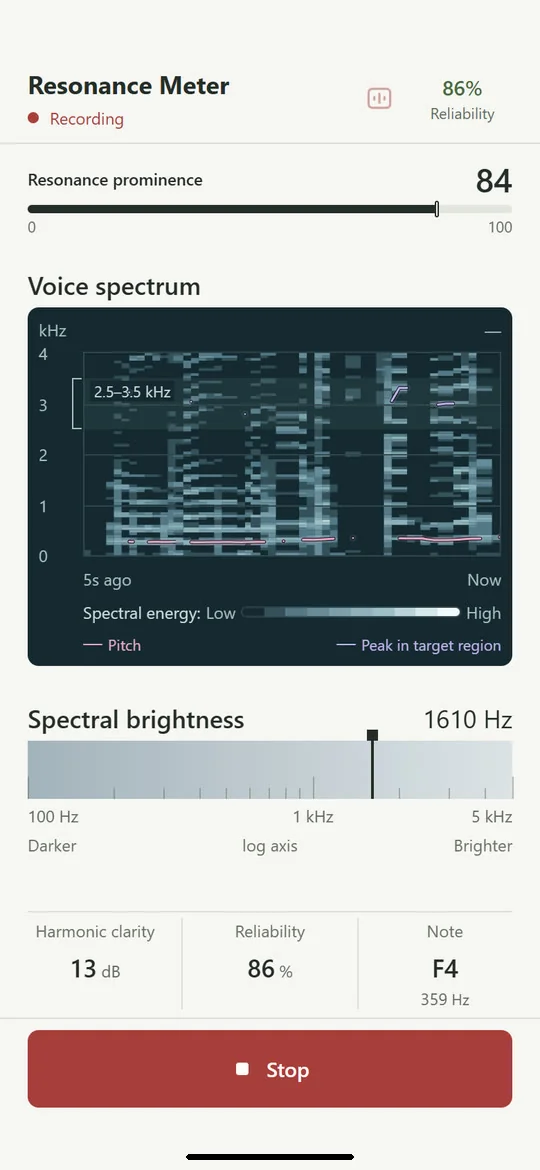
Your voice spectrum, live
See your voice
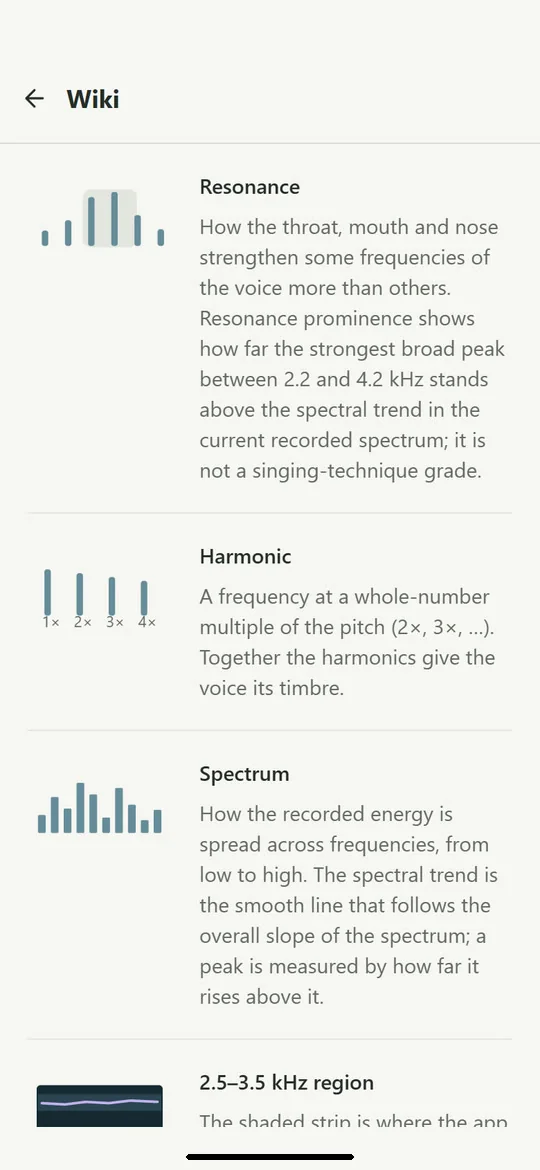
Every reading explained
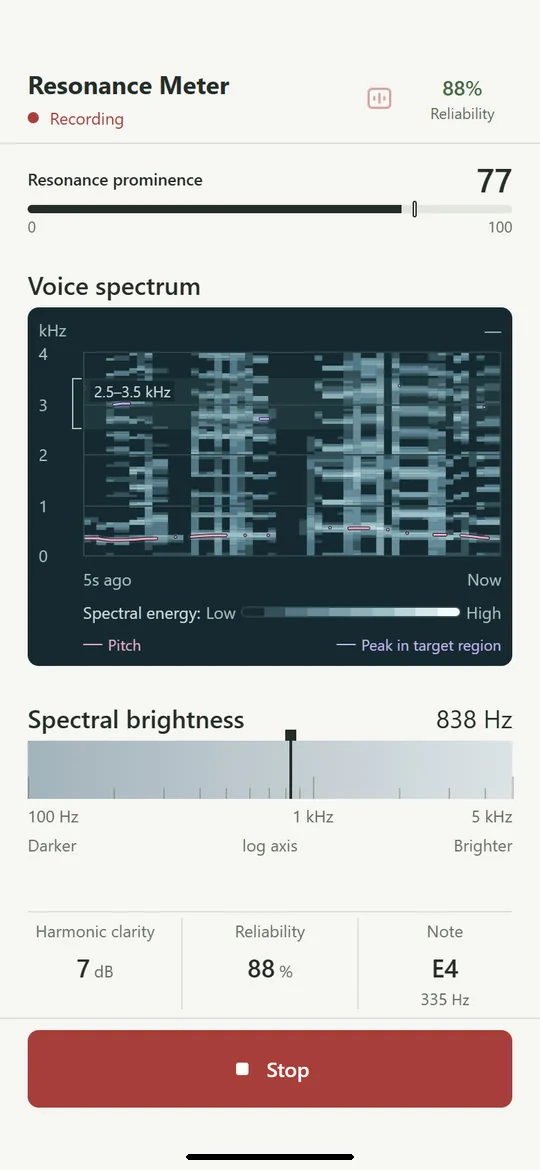
Follow a whole phrase
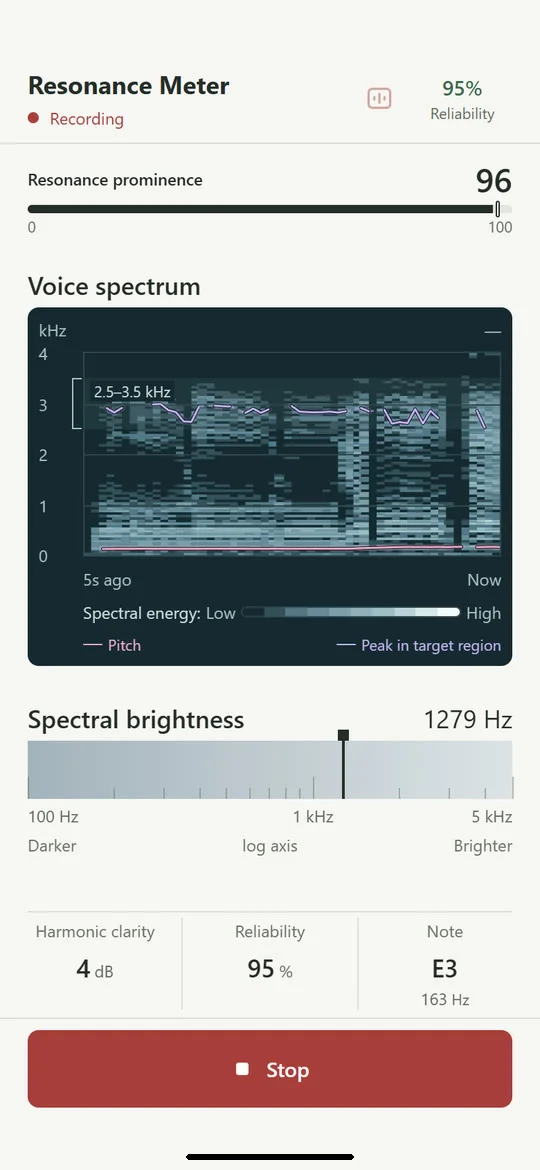
See how bright your voice is
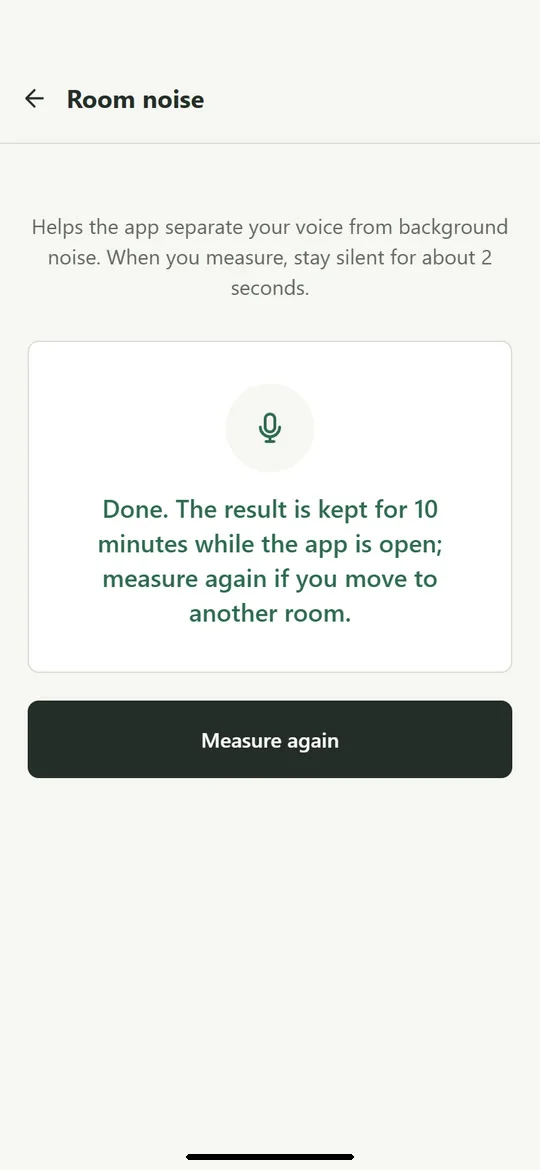
Measure the room first
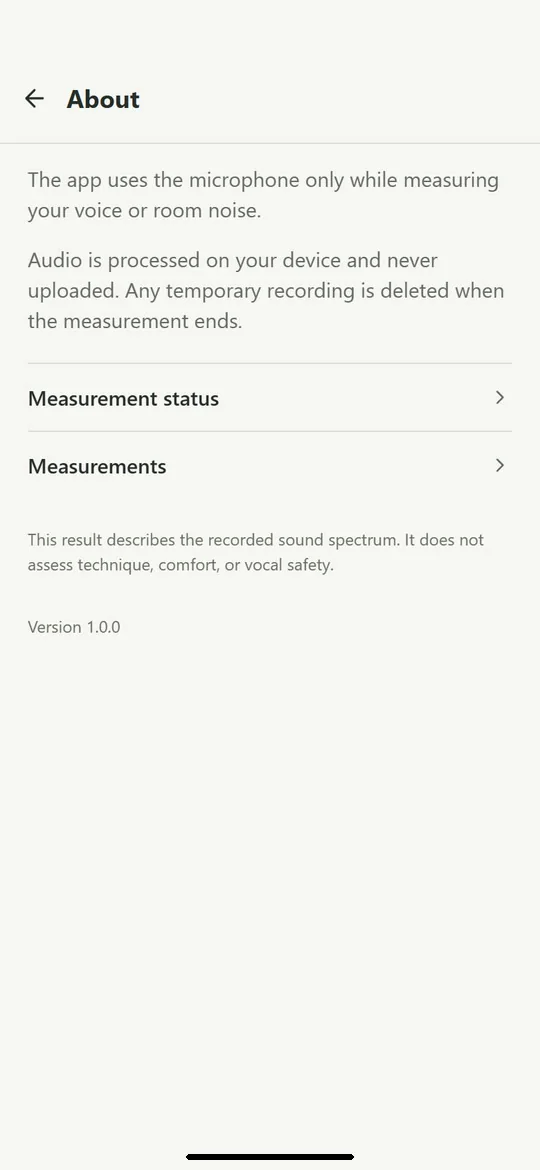
Audio never leaves your phone
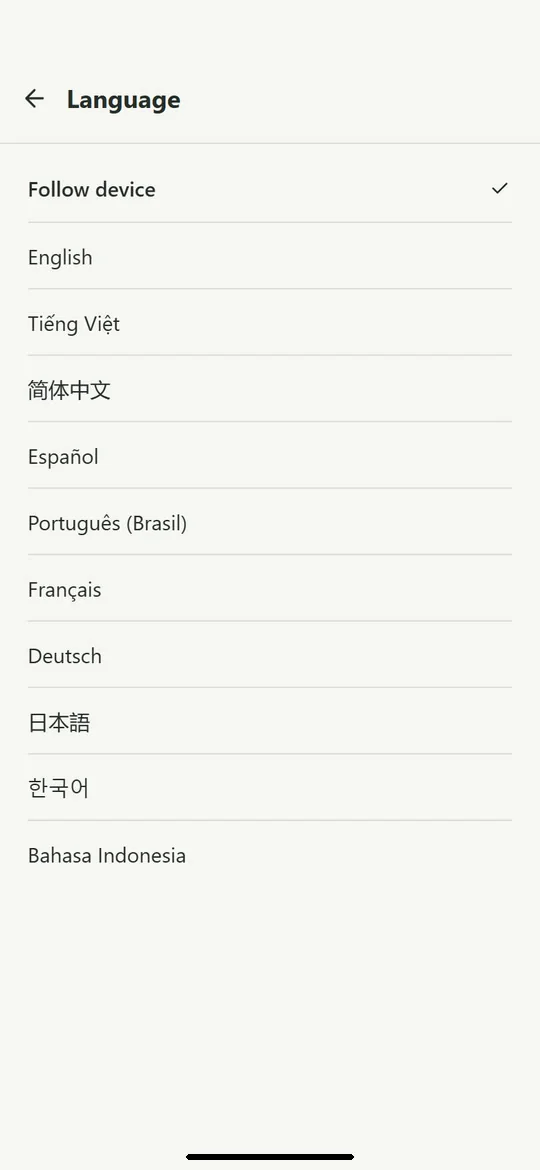
Available in ten languages
About
Resonance Meter shows what is happening in the sound of your voice while you sing or hold a vowel. Everything is measured live from your microphone and drawn on one screen.
Press Start, sing, and see:
- Your voice spectrum over the last five seconds, with your pitch drawn over it
- Resonance prominence: how far the strongest broad peak between 2.2 and 4.2 kHz rises above the rest of the spectrum, on a 0–100 scale
- The peak found in the 2.5–3.5 kHz target region, in Hz and dB
- Spectral brightness: where the energy of your voice is balanced, from darker to brighter
- Harmonic clarity, pitch and the nearest note
- Reliability, so you know how far to trust each reading
Measure the room first
Room noise in Settings listens to about two seconds of silence, which helps the app separate your voice from background noise. The result is kept for ten minutes while the app is open.
Every reading explained
The Wiki in Settings explains each term on the screen in a line or two, from harmonics and formants to hertz and decibels. The app is available in English, Vietnamese and eight other languages.
Private by design
Audio is processed on your device and never uploaded. The app uses the microphone only while it measures your voice or the room. There is no account, advertising or analytics.
How to use
- Optionally, measure the room noise in Settings and stay quiet for about two seconds.
- Press Start.
- Sing or hold a steady vowel.
- Watch the spectrum and readings, then press Stop.
Resonance Meter describes the recorded sound spectrum. It does not assess technique, comfort or vocal safety, and it is not a medical device.