Pitch Coach
Pitch practice
Listen, sing and practise vocal pitch with offline feedback and a live checker.
Screenshots
Inside Pitch Coach
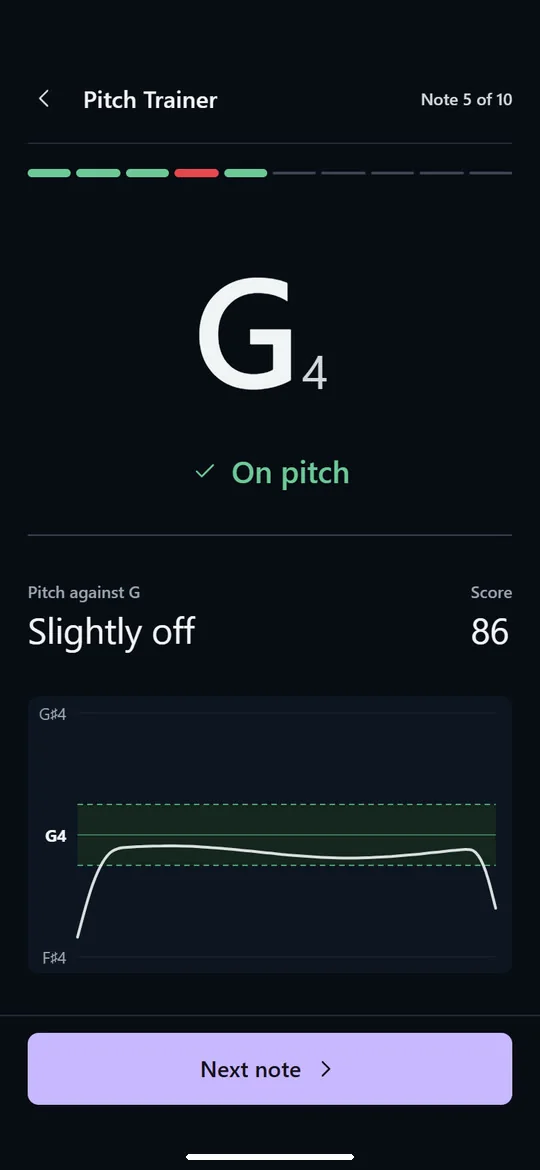
See how far off you were
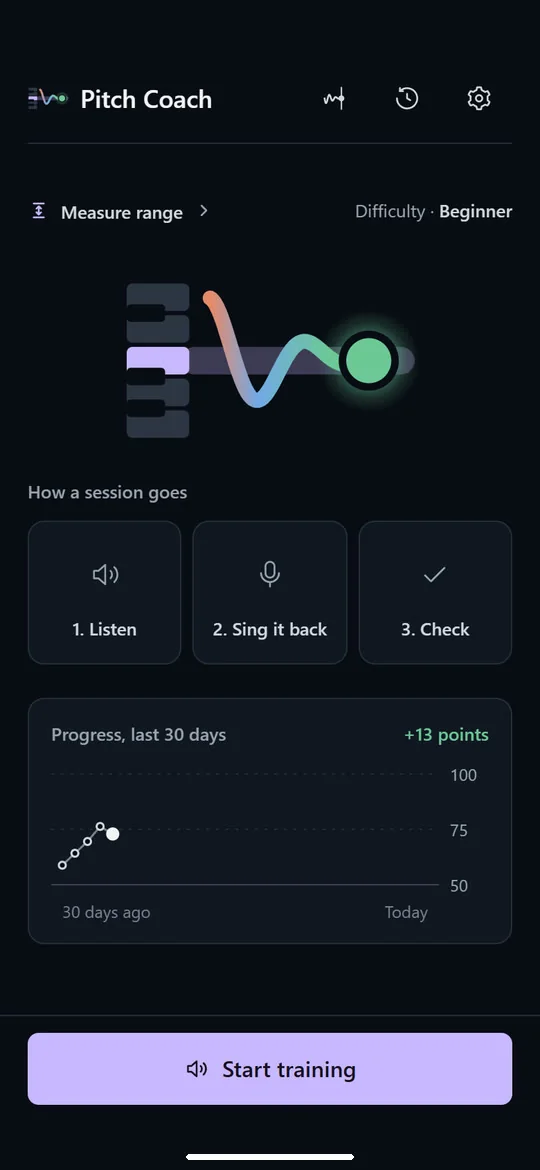
Listen, sing, check
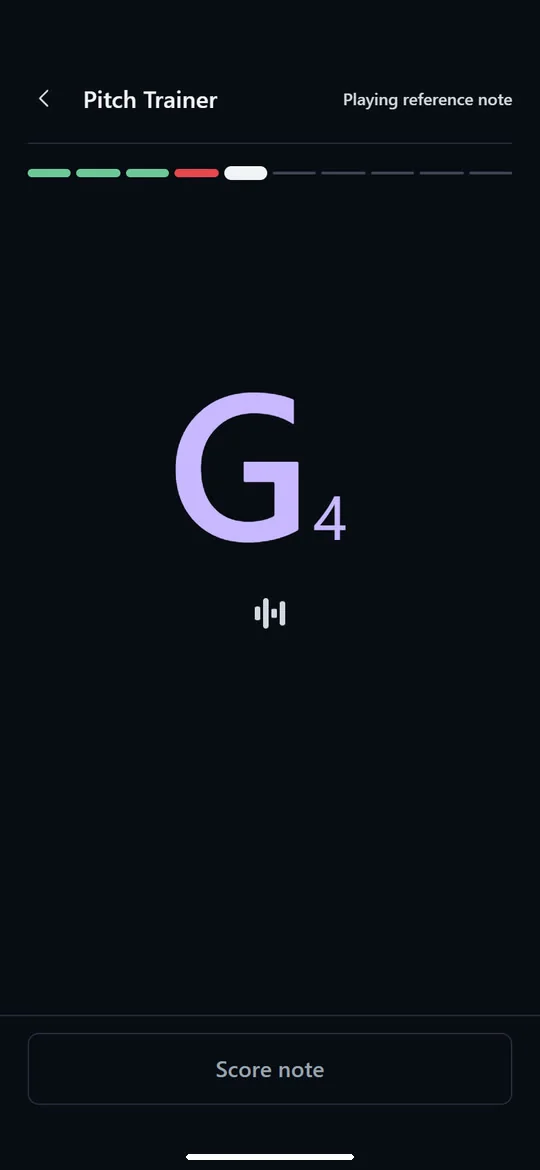
Hear the reference note
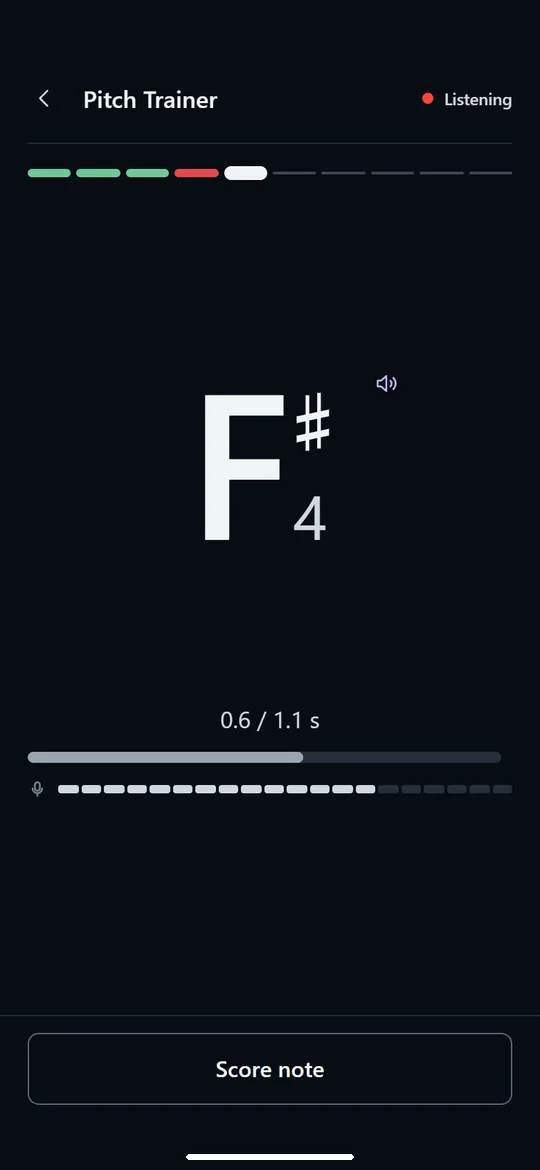
Now sing it back
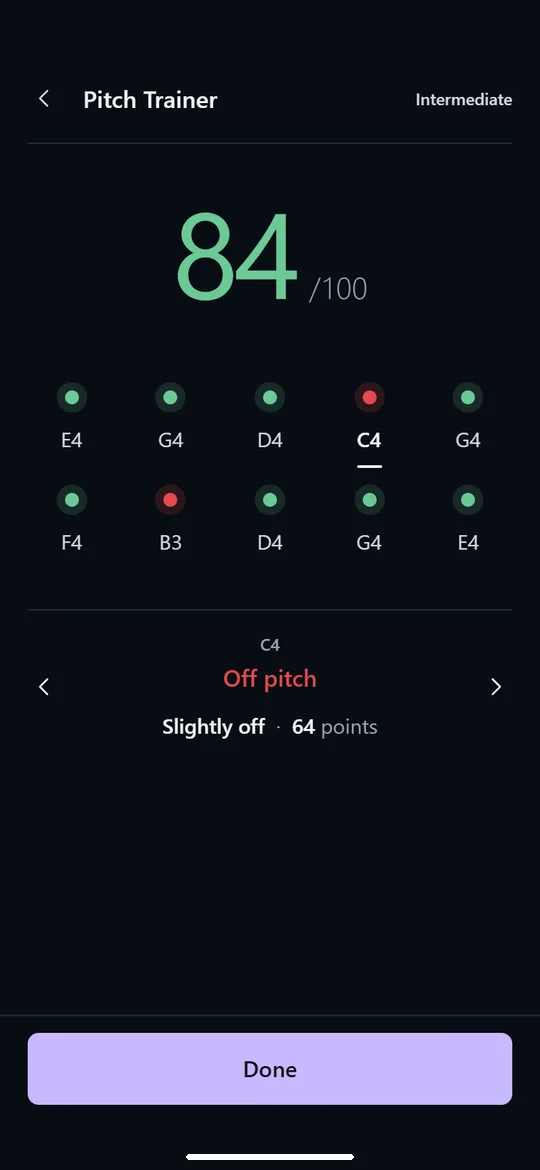
A score after every session
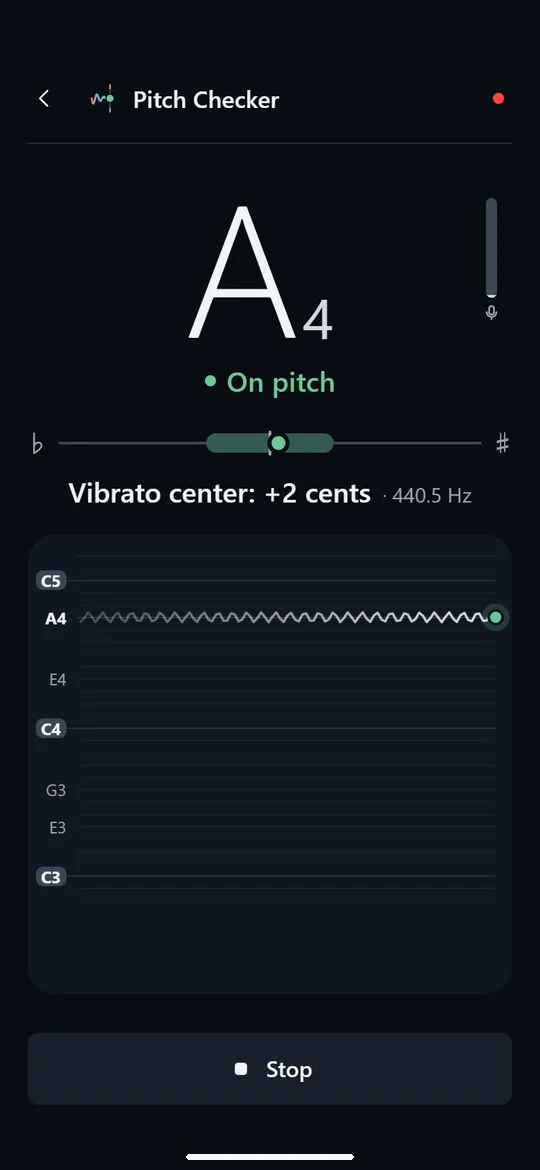
A live pitch checker
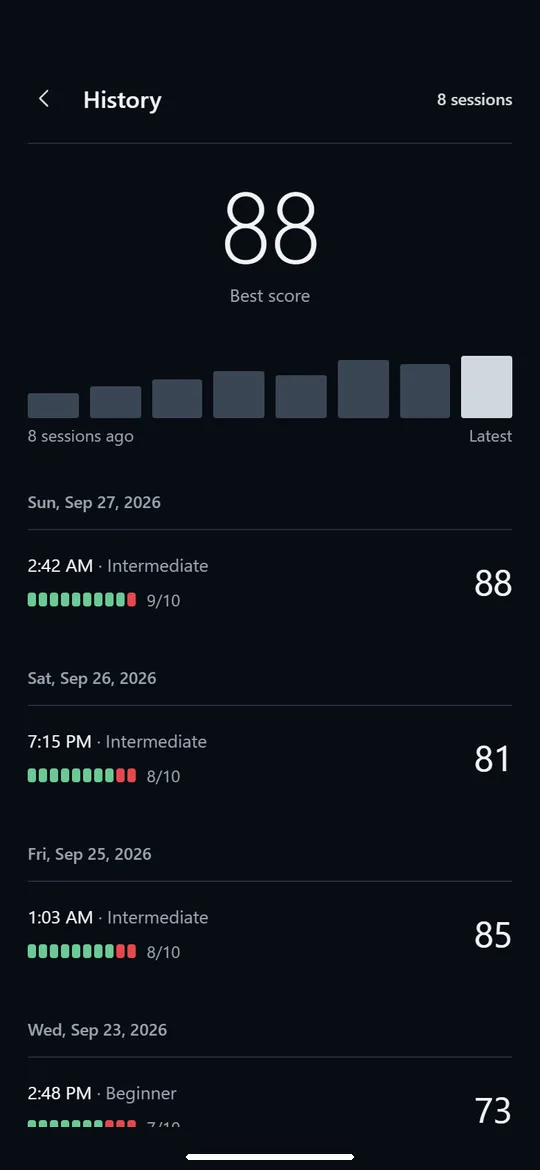
Track your progress
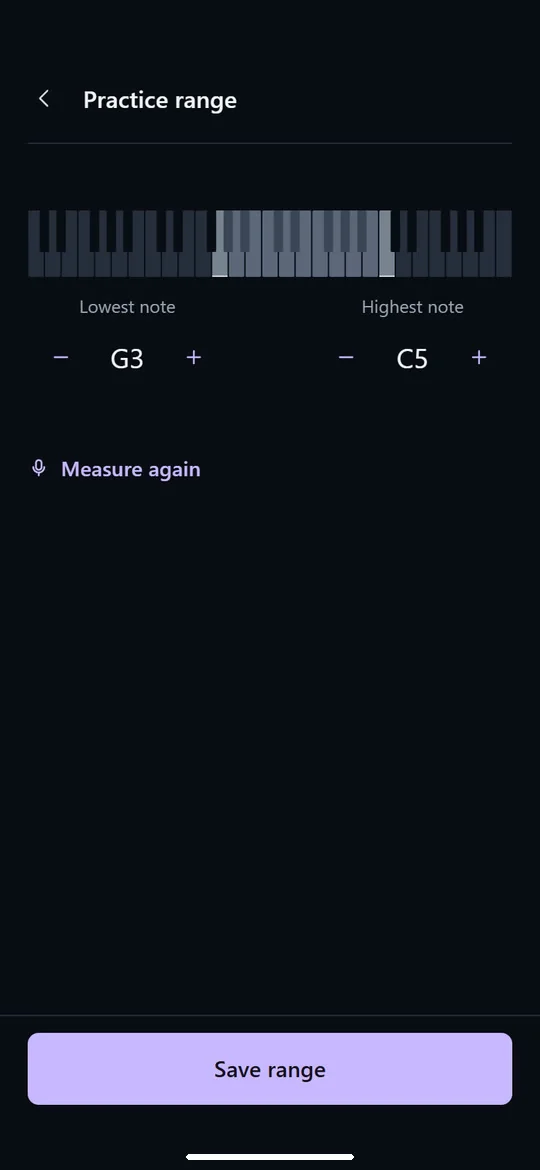
Save your vocal range
About
Pitch Coach helps you practise matching musical notes, one short singing take at a time.
Listen, then sing
Start a ten-note practice session. A countdown bar prepares you for each reference note. Listen to the note, sing it back, and review feedback before continuing. The next target adapts to your practice results at your chosen difficulty. Sing in a comfortable octave: Trainer scores the note and pitch accuracy without penalising an octave difference.
Feedback you can use
See whether you sang above or below the target note in your octave, how close your pitch was, and how steadily you held the note. Review your session score and note results, then use your local practice history to revisit harder notes. Home shows your progress at the selected difficulty over the last 30 days. History lists saved sessions across all difficulty levels and shows your highest session score.
Real-time pitch checker
Open the supporting Pitch Checker to see the detected note, octave, frequency, cents deviation and recent pitch graph while you sing or hum. Stop listening to review the last trusted note.
Make practice your own
Choose beginner, intermediate or advanced difficulty. Optionally measure, adjust and save a practice range to select reference notes. Without it, each level uses its default register. Answers in other octaves still count. English and Vietnamese interfaces are included. Sing comfortably and stop if singing feels strained.
Offline and private
Pitch analysis happens on your device. There is no account, login, advertising, subscription or cloud audio analysis. Settings and training summaries stay local. People sharing a device share its settings and history, without individual profiles. Android capture may create temporary audio files in the app-private cache for analysis; they are not uploaded or attached to your practice history. See the privacy policy for cache retention and deletion details.
How to start
- Choose a difficulty in Settings.
- Start Pitch Trainer and follow the countdown bar.
- Listen to each reference note, then sing it back in a comfortable octave.
- Review the feedback and continue through ten notes.
- Check History to review completed practice sessions.
Pitch Coach is a music-practice tool, not a medical device or a replacement for a vocal teacher. Feedback depends on your microphone, surroundings and the clarity of the sound.