Chord fingering guide
Learn where to place your fingers, which strings to play and how the chord should sound. Clear diagrams and audio samples make it easy to follow along and practice.
Tuning & guitar practice
Tune your strings, learn chord fingerings and practice fingerpicking.
Learn where to place your fingers, which strings to play and how the chord should sound. Clear diagrams and audio samples make it easy to follow along and practice.
Follow P–I–M–A in time, with separate guides for right and left hands.
Screenshots
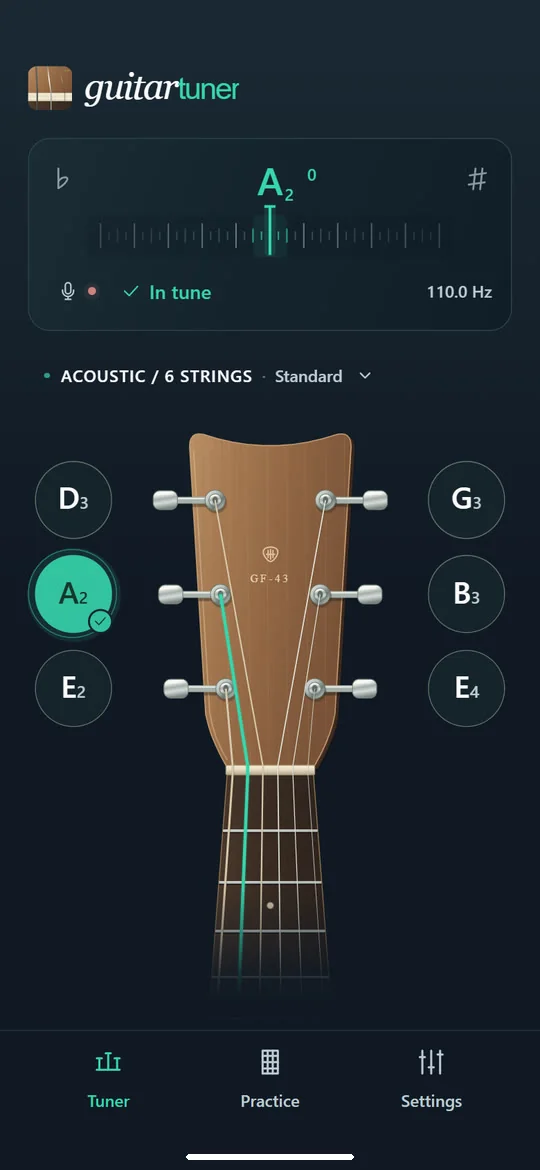
In tune, with string confirmation
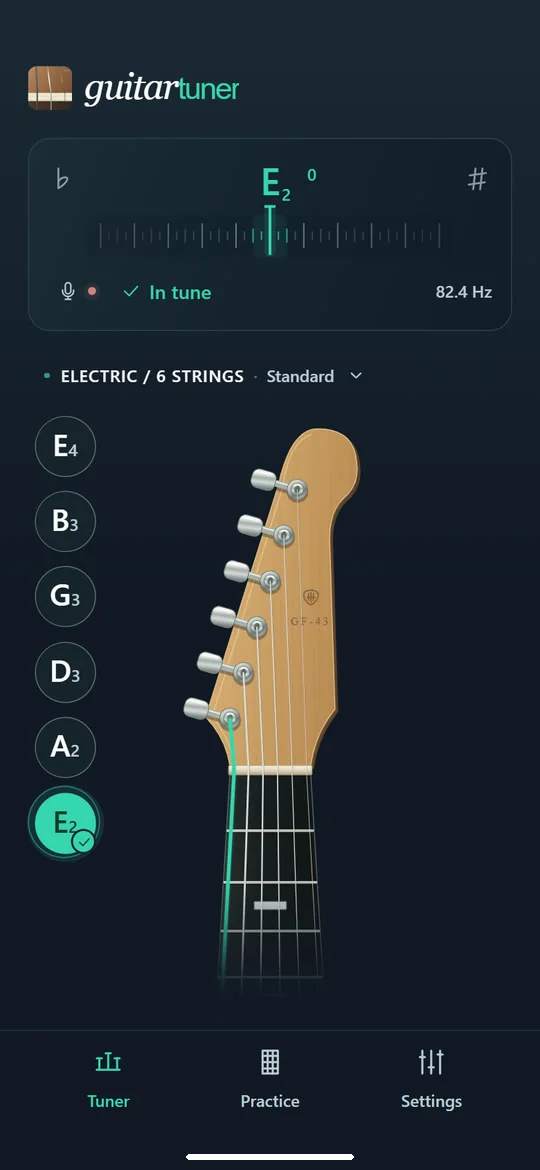
Tune an electric guitar
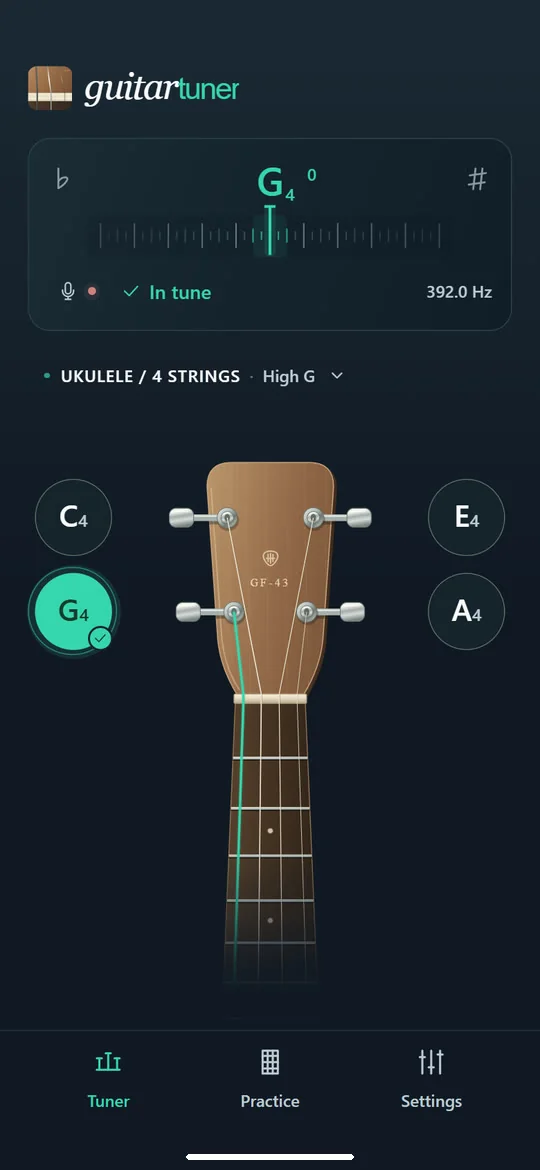
Tune a ukulele
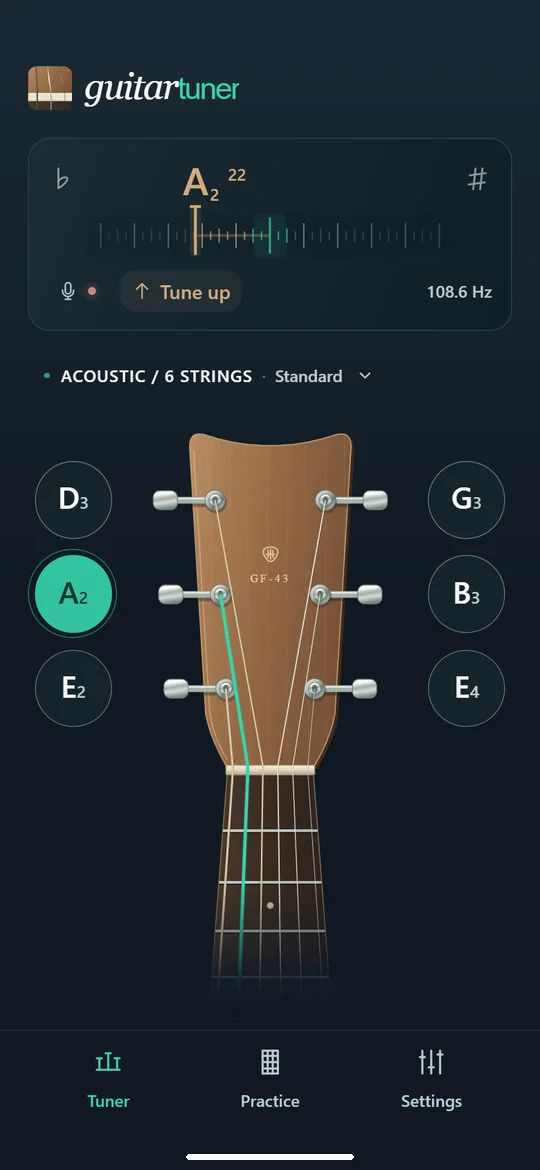
Follow the pitch as you tune
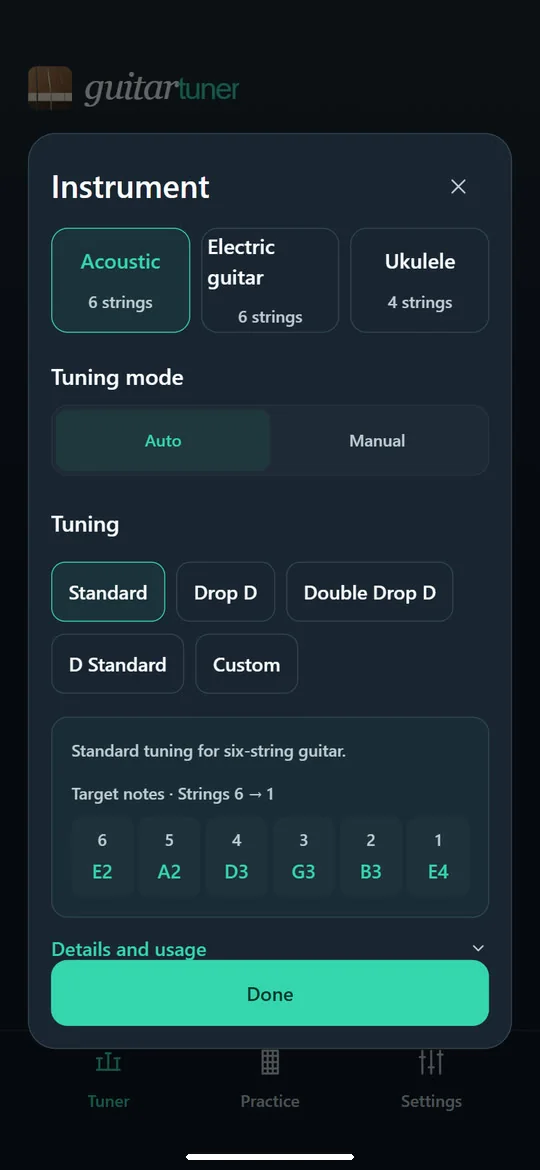
Choose an instrument and tuning
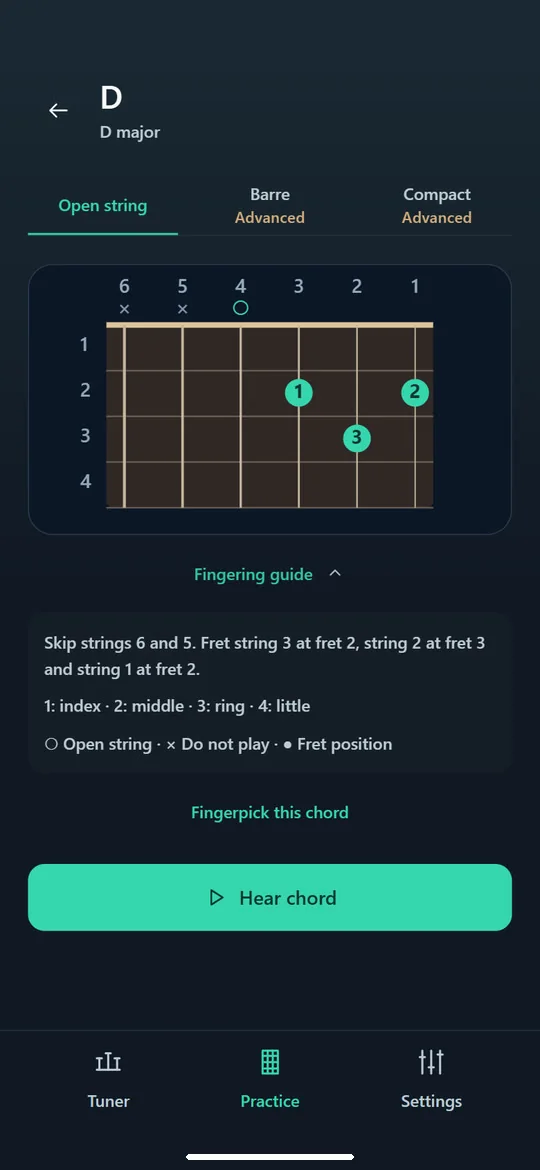
Finger placement for chords
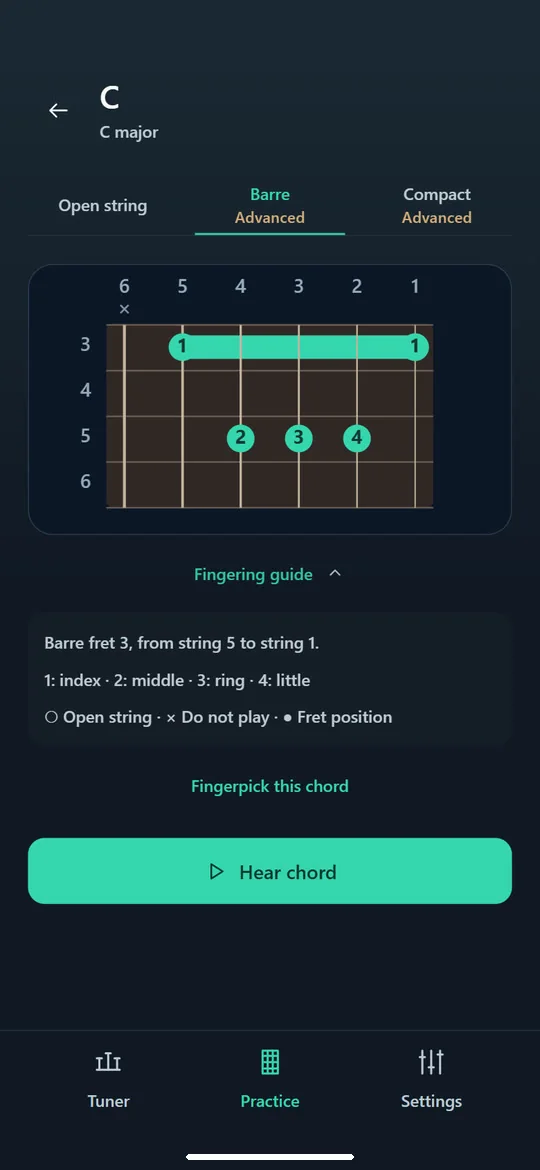
Explore alternative chord shapes
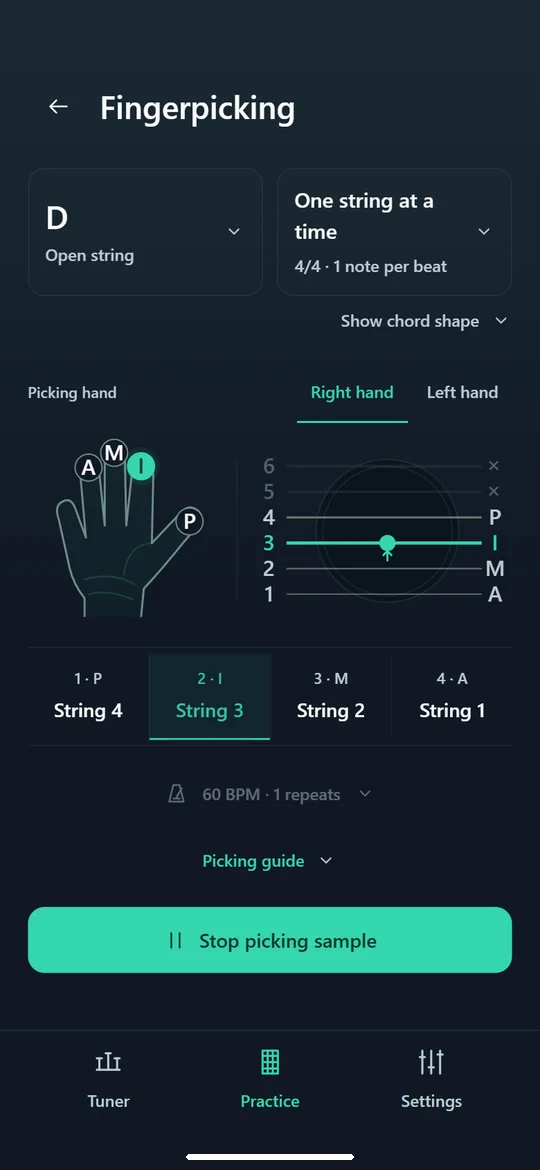
See which finger plays each string
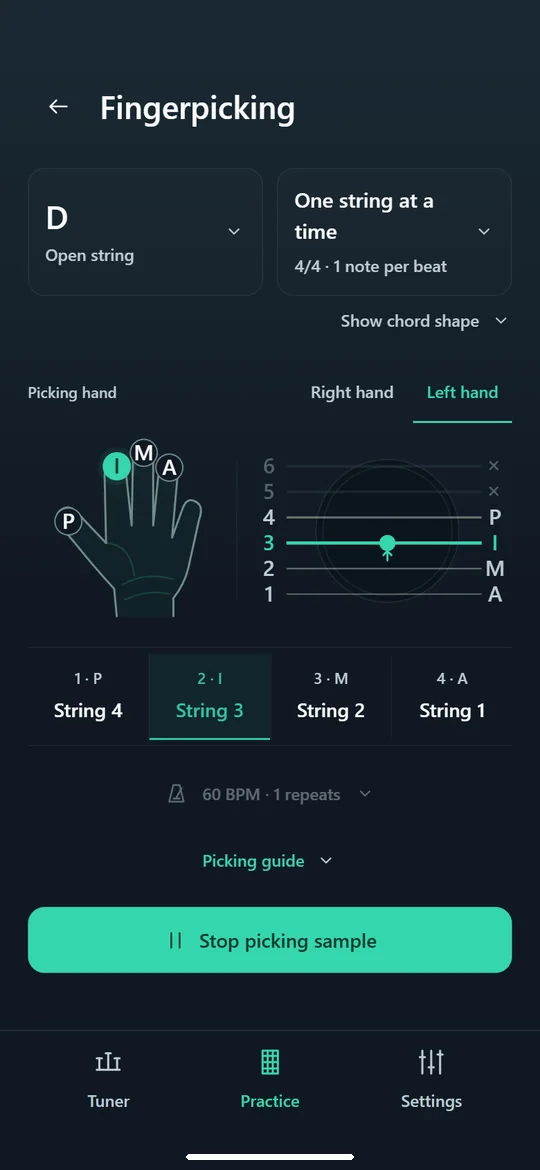
Follow the left-hand picking guide
About
Guitar Tuner brings tuning and guitar practice together. Start by tuning your instrument, then work on chord shapes, picking patterns and your ear in the same app. Choose what you want to practice each day.
Pluck a string and follow the meter to see whether to tighten or loosen it. When the pitch is right, the app gives feedback and marks the string as tuned so you can move on to the next one.
Each shape shows where your fingers go, which strings are open and which to leave out. Listen to an audio sample, explore alternative fingerings and take your chosen chord straight into picking practice.
The hand guide highlights each finger and string as the pattern plays. Preview individual steps, adjust the tempo and repeats, and choose a right-hand or left-hand guide.
Alongside tuning and picking, the app includes note exercises, timed chord changes and ear training. Choose an exercise to work on one skill at a time, from recognizing sounds to playing them.