All apps
DimSnap
Photo measurements
Mark sizes, arrows and notes on photos. Offline, private, no watermark.
Screenshots
Inside DimSnap
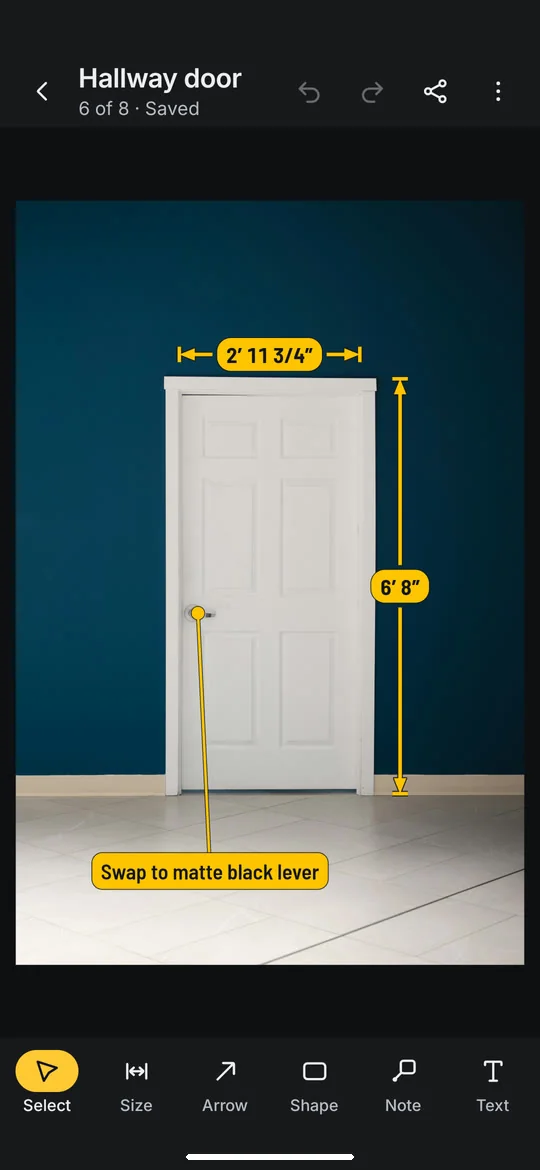
Measure on your photos
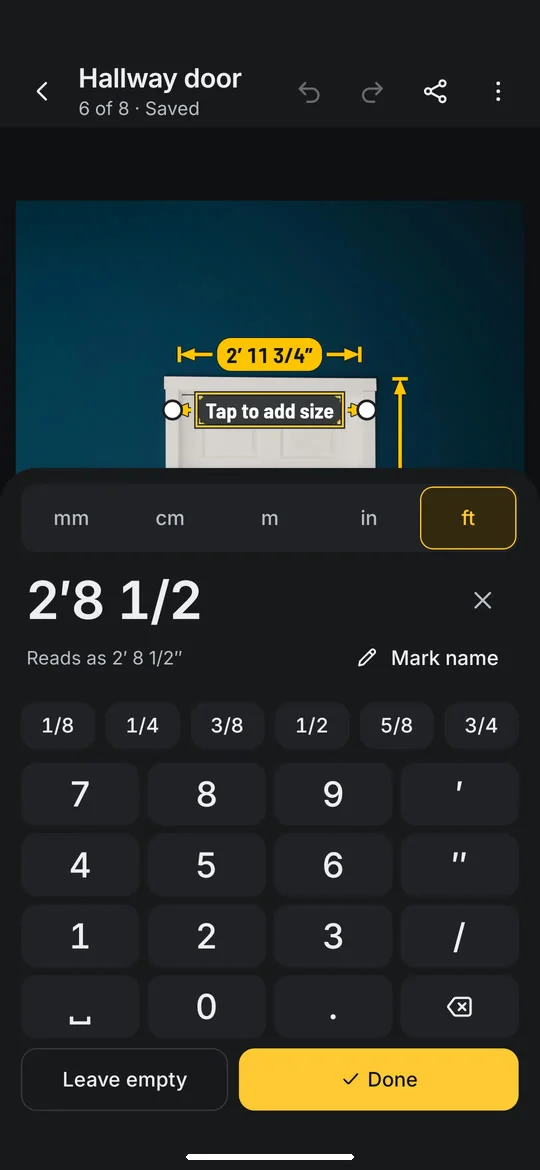
A keypad made for tape measures
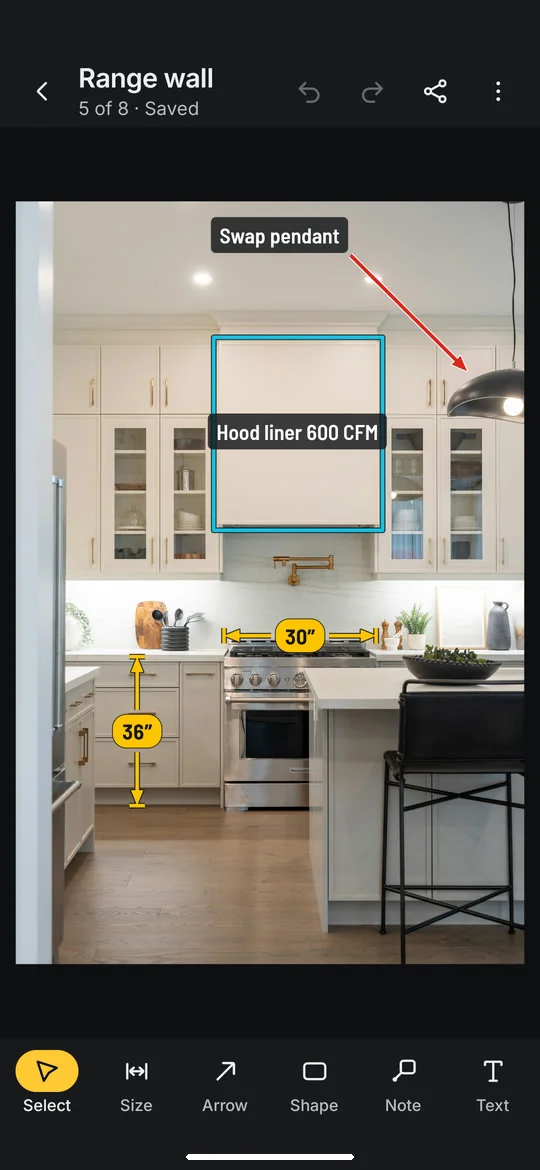
Arrows, boxes, notes and text
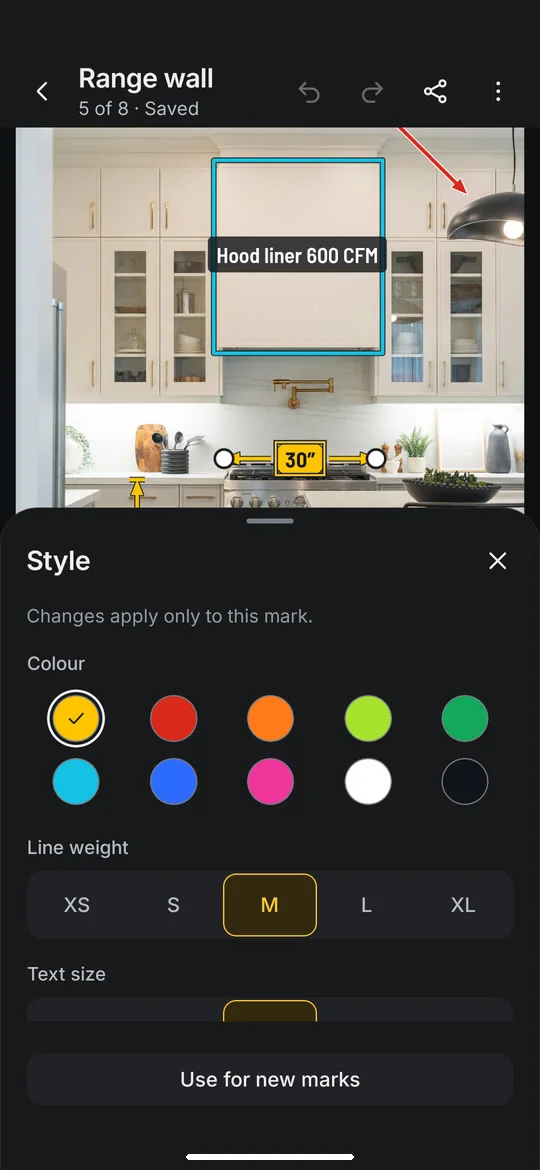
Ten colours, five line weights
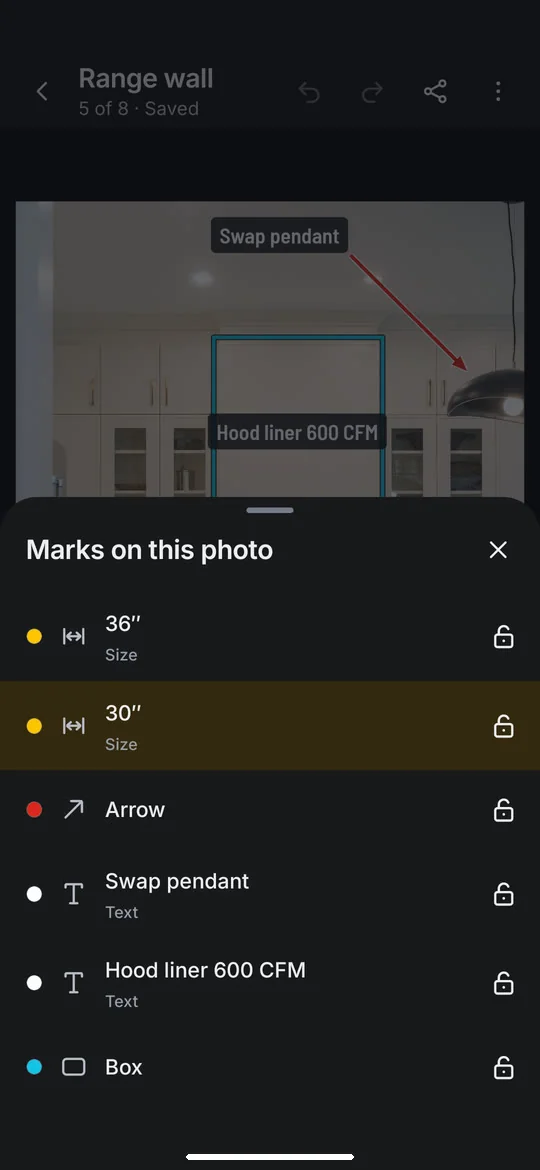
Review every mark in one list
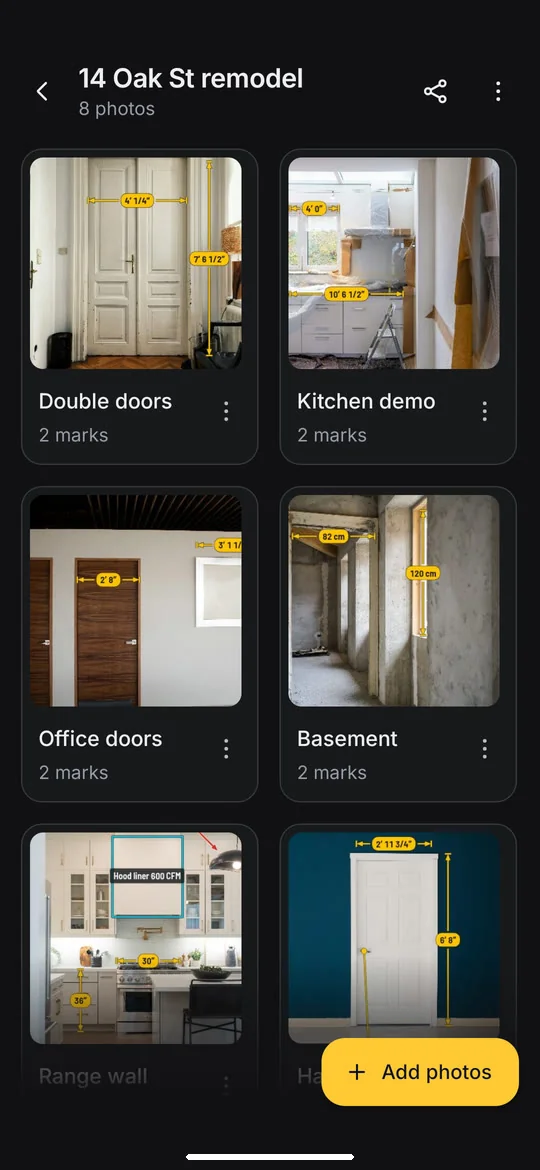
One project per job
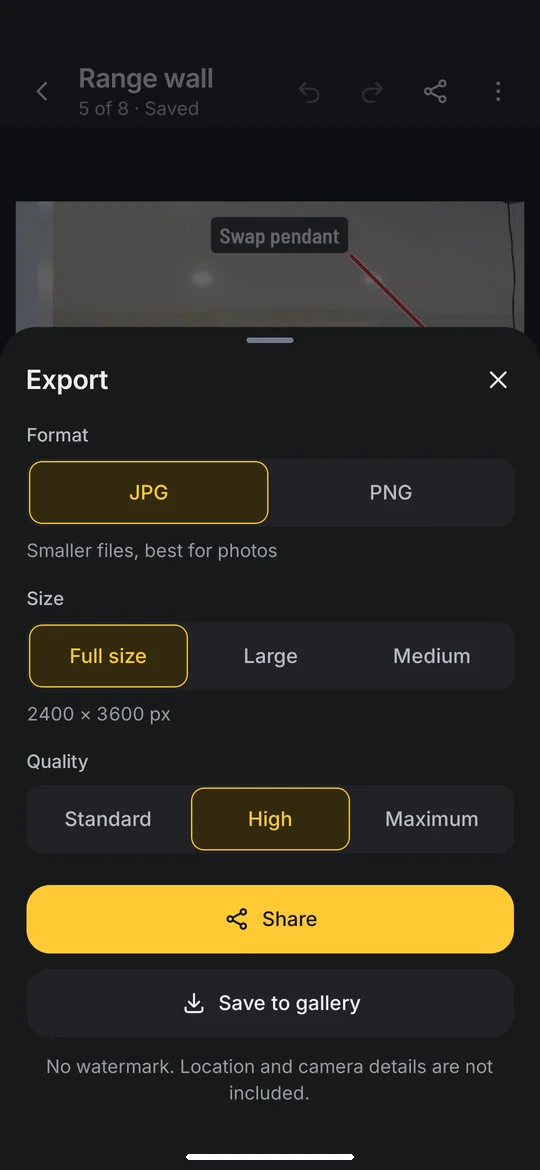
Share it with no watermark
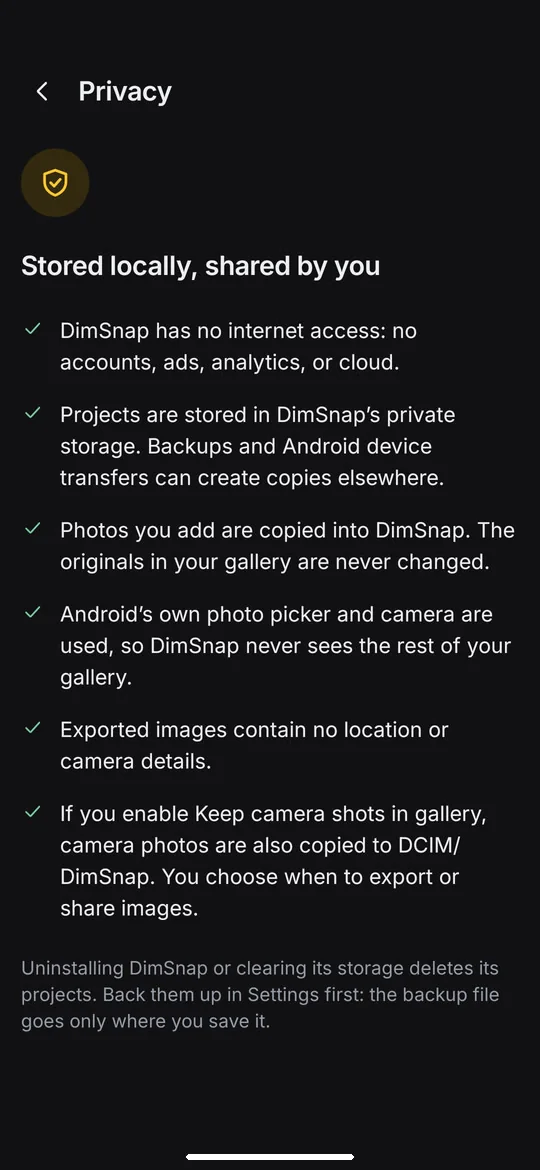
Private and offline
About
Take a photo, draw a line across what you measured, and type the size. DimSnap turns job-site photos into clear, measured pictures you can send to a client, a supplier, or your team.
DimSnap never guesses a size. You measure with your tape or laser, and the photo shows exactly what you typed.
Built for the job
- Sizes in millimetres, centimetres, metres, inches, or feet and inches
- A keypad made for tape measures: type 5′ 3 1/2″ with fraction keys and your recent sizes
- Draw now, type later: sizes still to add are flagged so none are missed
- Name a size (W1, Head height) so it reads clearly on the picture
- Show the sizes on a photo in another unit; what you typed is kept
Mark up anything
- Size lines with arrows, ticks, dots, or bars
- Arrows, boxes, circles, notes that point at a spot, and free text
- Move any mark, drag line ends, resize and rotate boxes, circles, and text; lock marks so they stay put
- A magnifier under your finger and snapping for precise ends
- Ten colours, five weights, dashed lines, and a contrast outline that keeps marks readable on any photo
- Undo and redo up to 200 steps while you edit
- Review every mark on a photo in one list
Projects
- Take photos with your camera app or pick several from your gallery at once
- Keep photos together in projects with client, address, and notes
- Share photos to DimSnap from your gallery or any app, into a new project or a recent one
- Search, sort, favourite, and duplicate projects
- Everything saves as you go
- Back up every project and photo to one file and restore it on a new phone
Export without a watermark
- Full-size JPG, lossless PNG, or Large and Medium sizes for messaging
- Save to your gallery or share to any app
- Export every photo in a project at once
- No location or camera details in exported images
Private by design
- No account, no ads, no tracking
- Works offline: the app has no internet permission at all
- Your original photos are never changed
Available in English, Tiếng Việt, Español, Français, Deutsch, and Português.